
Does Noise Champ 2 have a full touchscreen display?
Yes, Noise Champ 2 features a capacitive touch screen display.
Is Noise Champ 2 shockproof?
No, Noise Champ 2 is not shockproof. Please avoid dropping it from a height as the watch may get damaged.
Is Noise Champ 2 waterproof?
Yes. Noise Champ 2 has an IP68 rating. It can go underwater up to a depth of 1.5m for up to 30 minutes. However, avoid saunas, hot water and ocean water.
Can Noise Champ 2 be used while swimming?
You can wear the smartwatch in the swimming pool but cannot use it while swimming.
Can I take a photo with Noise Champ 2?
Noise Champ 2 does not feature a camera.
What is the pixel resolution of Noise Champ 2?
The display resolution of Noise Champ 2 is 240*240 pixels.
Does Noise Champ 2 have Gesture control?
Yes, Noise Champ 2 comes with a Gesture control that turns on the display when you raise your wrist to look at the screen.
Can I reduce the vibration level in my Noise Champ 2?
Yes, we can control vibration level in Champ2 via Noise Sync app
What is the BT range of Noise Champ 2?
The BT range of Noise Champ 2 is 10 meters.
Does it have an always-on screen feature?
Noise Champ 2 has a smart always-on screen feature in school mode.
Does it have a notification feature?
No, Noise Champ 2 does not have a notification feature.
How many watch faces does Noise Champ 2 have?
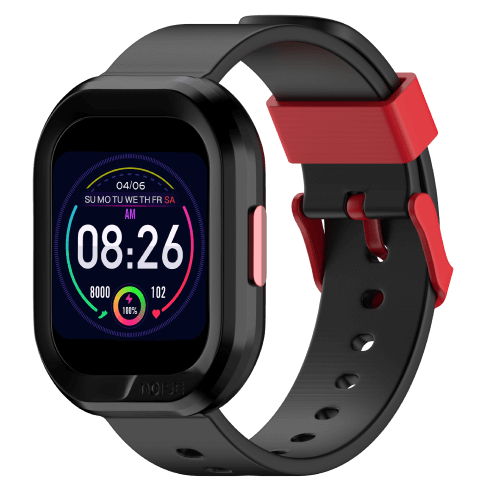
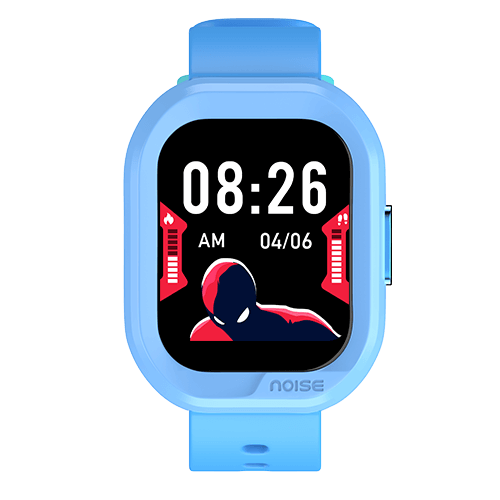
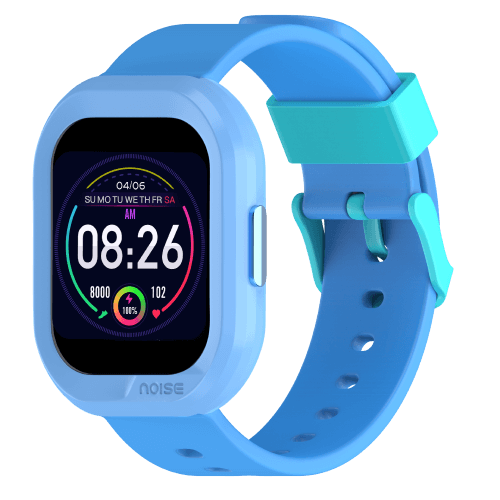
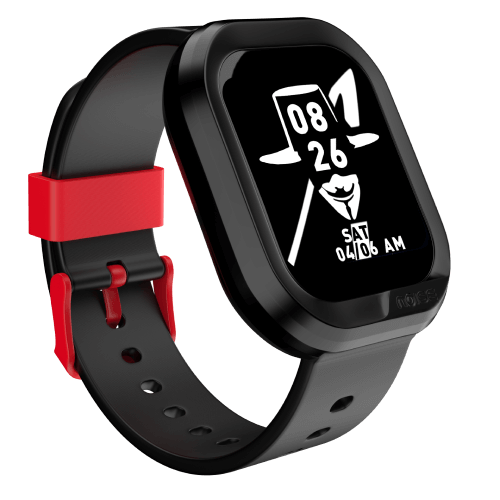
Noise Champ 2 has more than 150+ cloud-based watch faces.
Does Noise Champ 2 have alarms?
Yes, Noise Champ 2 has six types of alarms. It has meal time, wake up, study time, brush teeth, bedtime and play time alarms.
Does Noise Champ 2 have reminders?
Yes, Noise Champ 2 has four types of reminders – Drink Water, Sedentary, Target Reaching and Low Battery reminders.
Can we change the watch face?
Yes, you can change the watch faces. From the watch, touch and hold the home screen. Swipe and choose from the watch faces. From the app, go to the Device Screen, you can download the desired watch face from the watch face market and set it as the Champ 2 watch face.
How do I increase the brightness of my Noise Champ 2?
You can set the brightness from the NoiseFit Sync app. Go to the device screen, select more settings where you find the screen brightness settings. Click on screen brightness settings and adjust from Level 1 to Level 5 as per your convenience.
How do I use the stopwatch on my Noise Champ 2?
Go to Stopwatch on your Champ 2. Long press to enter into the stopwatch profile. Click once on the touch to start, pause and resume. Long press will end the count and take you back to the stopwatch profile.
What sensors does the Noise Champ 2 have?
Noise Champ 2 features HR sensor and Accelerometer.
What are the accessories included with Noise Champ 2?
Noise Champ 2 comes with one user manual and a magnetic charging cable
Reviews
There are no reviews yet.