
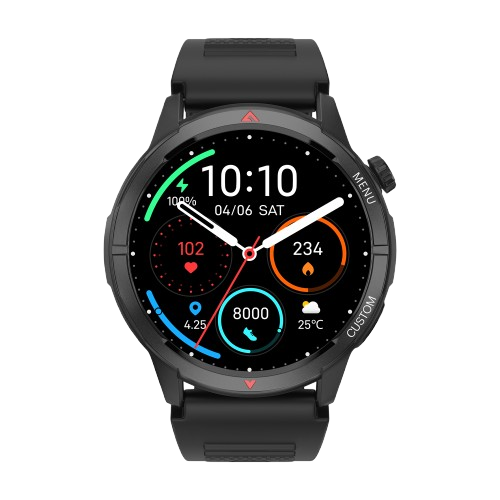
Does NoiseFit Endeavour 2 have a full touchscreen display?
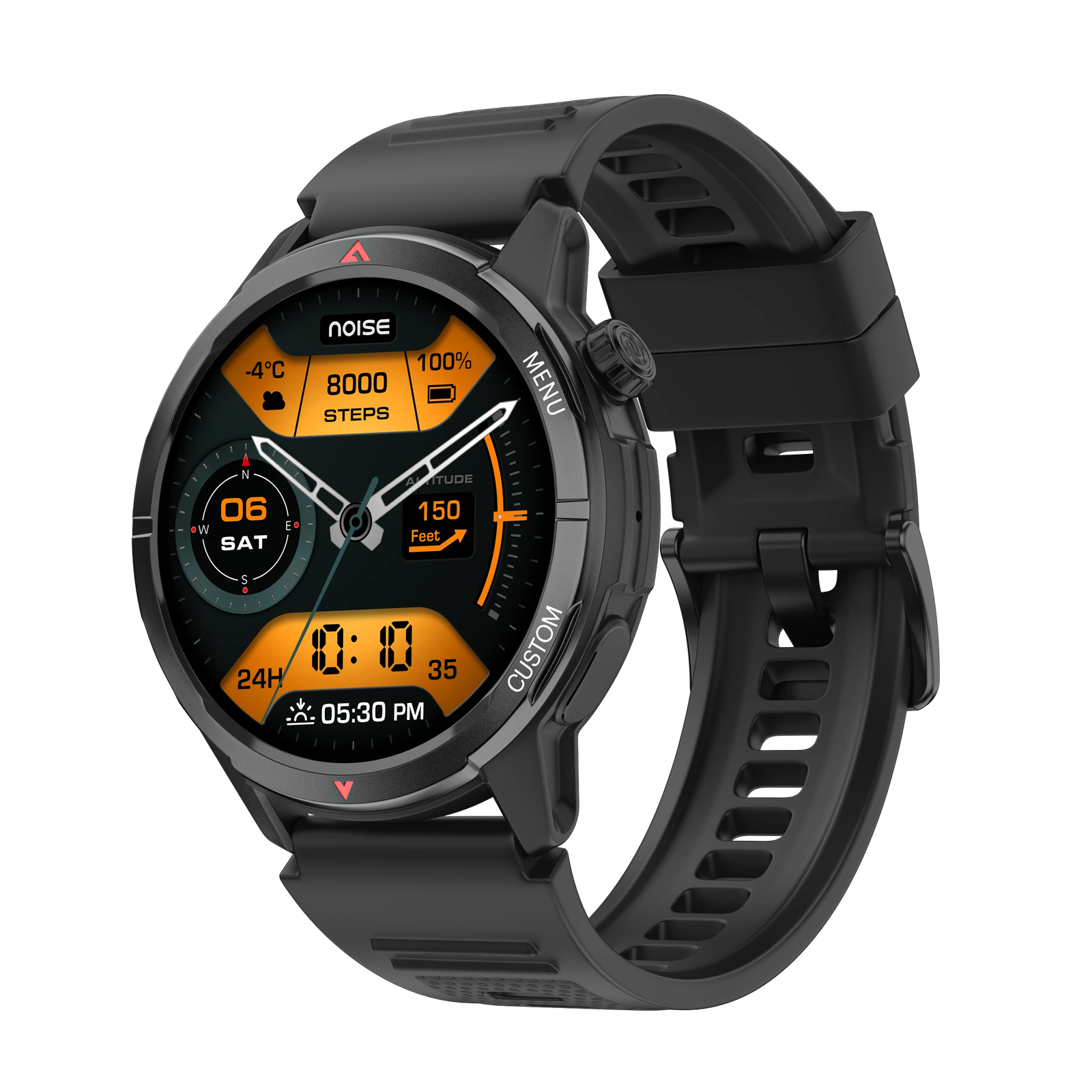
Yes, it features a 1.46” AMOLED display with 600 nits brightness and always-on mode.
Is NoiseFit Endeavour 2 shockproof?
No, it is not shockproof. Please avoid dropping it as it may get damaged.
Is NoiseFit Endeavour 2 waterproof?
Yes, it is 5ATM water resistant and can handle sweat, rain, and splashes. However, avoid swimming, diving, or hot water exposure.
Can NoiseFit Endeavour 2 be used while swimming?
No, the watch is not suitable for swimming.
Does NoiseFit Endeavour 2 have GPS?
Yes, it comes with single-band 5-satellite systems for accurate route tracking.
What sensors does NoiseFit Endeavour 2 have?
It features 3-axis sensors, heart rate monitor, SpO₂, sleep tracking, stress monitoring, and ABC sensors (Altitude, Barometer, Compass).
Does NoiseFit Endeavour 2 support Strava?
Yes, it integrates seamlessly with Strava for logging and sharing workouts.
Does NoiseFit Endeavour 2 have AI features?
Yes, it comes with an AI Companion and AI Watch Face.
What does the AI Companion do?
The AI Companion provides personalised health and wellness guidance directly on your wrist.
What are AI Watch Faces?
AI Watch Faces let you create unlimited, personalised watch faces based on your style or mood.
What kind of straps does NoiseFit Endeavour 2 have?
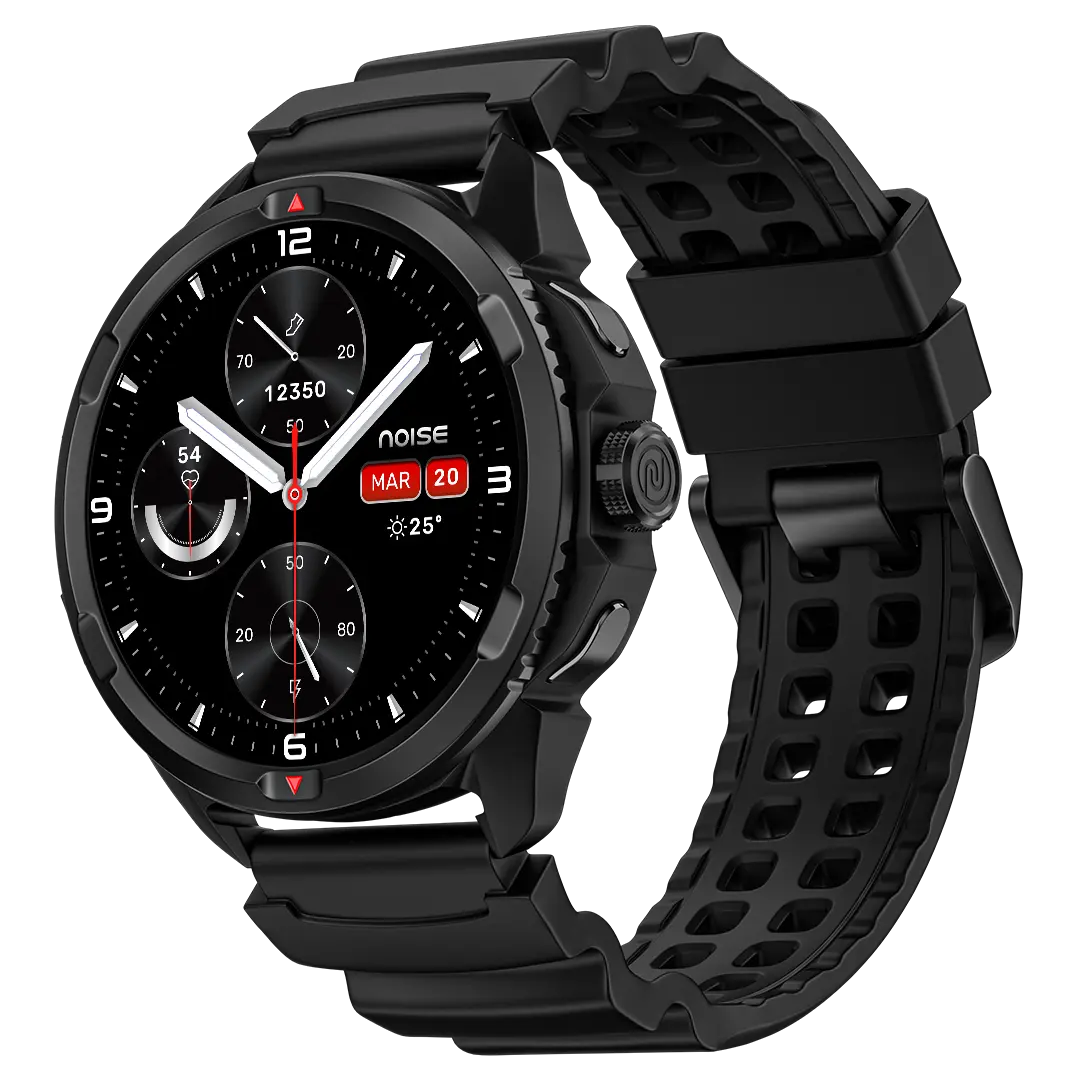
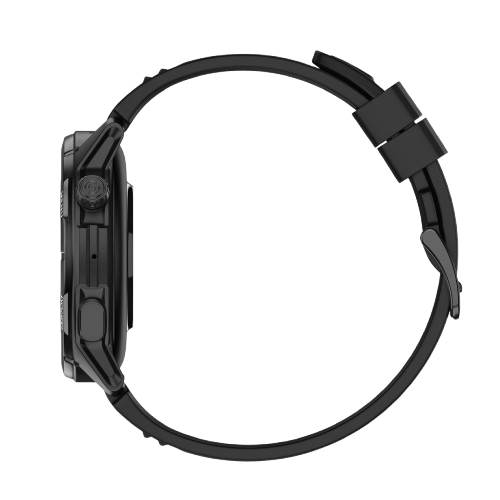
It comes with a comfortable silicone strap designed for long-lasting wear.
Does NoiseFit Endeavour 2 support notifications?
Yes, you can get call, text, and app notifications directly on your wrist.
Does it have a phone tracking option?
Yes, NoiseFit Endeavour 2 comes with a phone tracking option. Go to the settings of your watch, select Find my Phone. Note: This will only work if your phone and smartwatch are connected via Bluetooth and in range.
Does NoiseFit Endeavour 2 have gesture control?
Yes, the NoiseFit Endeavour 2 comes with gesture controls that turn on the display when you raise your wrist to look at the screen.
Can I reduce the vibration level in my NoiseFit Endeavour 2?
Yes, you can adjust the vibration level.
Can we change the watch face?
Yes, you can change the watch faces from the watch itself and also from the NoiseFit app. From the watch, touch and hold the home screen. Swipe and choose from the watch faces. From the app, go to the watch faces, select the watch face of your choice and tap Save to change the watch face. You can even customise your watch face from the app.
How do I increase the brightness of my NoiseFit Endeavour 2?
Turn on the watch screen, swipe up from the home screen, select Brightness and adjust it at your convenience.
Can I change the watch strap?
Changing the watch strap isn’t recommended because it could affect the GPS functionality.
Reviews
There are no reviews yet.